
Introducing SugarAI Version 26.1
With a new release of SugarAI (formerly SugarCRM), we thought we’d run through some of the most useful features which will help you in the day-to-day use of the system.
This release is mainly focused on quality-of-life improvements, enhancing the user experience, reducing clicks, and making the system feel faster and more intuitive. If you use Sugar every day to manage your accounts or support your customers, here are the top five updates you’re going to love.
1. Smarter shortcuts that catch your mistakes
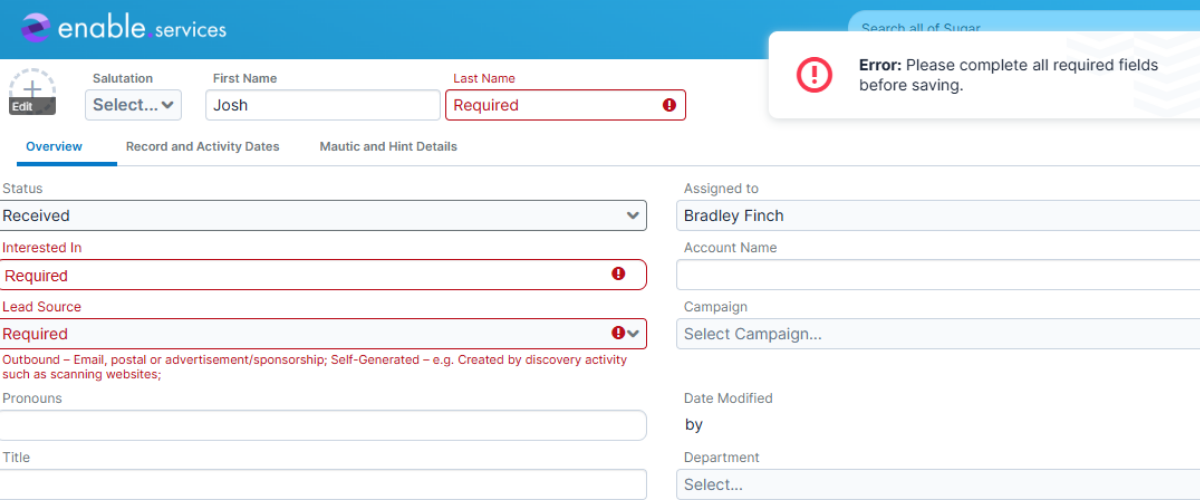
We all love using action buttons like “Claim” or “Close” to speed through our day. But previously, clicking those shortcuts could accidentally bypass required fields, leaving you with incomplete records and messy data to clean up later.
Now, Sugar acts like a helpful assistant. If you click a shortcut button but forgot to fill in a mandatory field, the system will gently pause the action and prompt you to fill in the blanks first. You get to keep moving fast, but your data stays clean and up-to-date.
2. Lightning-fast record history
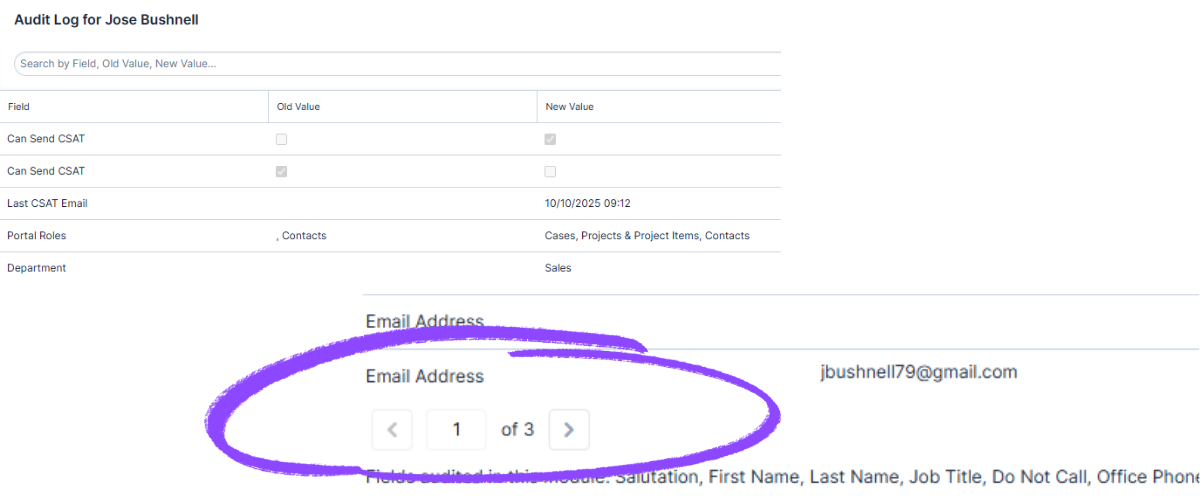
Ever try to check the history on a busy account to see who changed what, only for the page to freeze while it struggles to load a massive list of updates?
Sugar has fixed this by breaking the history (the audit log) into neat, easy-to-click pages. Instead of trying to load thousands of past actions all at once, you can just click through a few pages at a time. It makes hunting down past updates significantly faster and keeps your browser running happily.
3. Seamless keyboard navigation
If you hate constantly switching between your keyboard and your mouse, this update is for you. Sugar has made navigating purely by keyboard much more predictable.
When you hit the tab key to jump between fields, scroll through dashboards, or click those tiny inline edit icons, the cursor now flows logically exactly where you expect it to go. It’s a small tweak, but it makes data entry feel incredibly smooth.
4. Easy currency matching for global teams
Working on international deals can get confusing when everyone is looking at different currencies. With this update, getting everyone on the same page is simple.
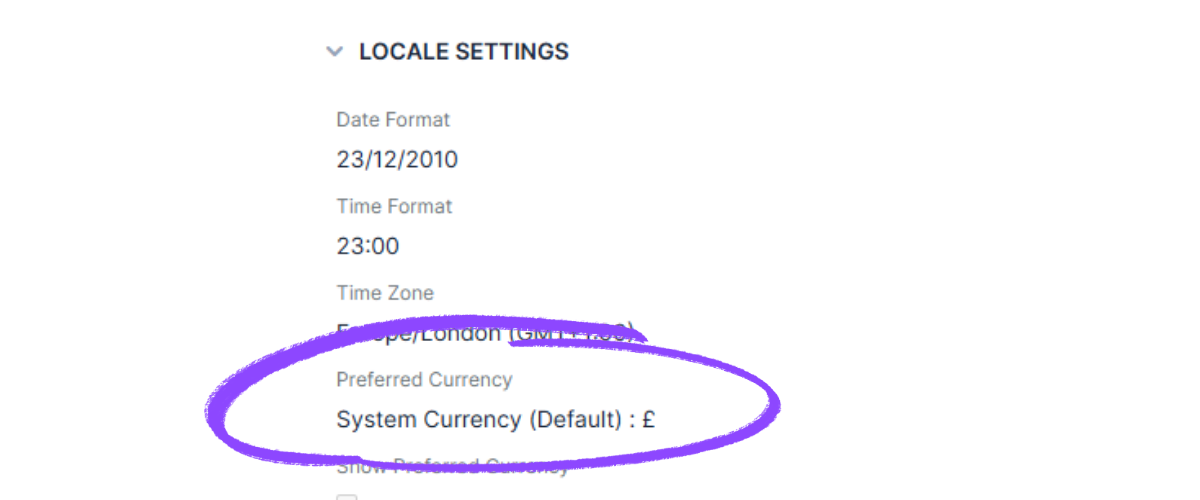
Administrators can now set a main company-wide currency, and you can easily choose to match it straight from your personal profile. Your profile will simply say “System Currency,” taking the guesswork out of making sure your numbers match the rest of your team.
5. A faster system behind the scenes
This is one update you won’t necessarily see, but you will definitely feel. Behind the scenes, Sugar runs a lot of automated tasks, like syncing data or sending out alerts. Sometimes, if too many tasks tried to run at once, the system could get a little sluggish.
Sugar 26.1 introduces a new “traffic cop” feature that lets administrators prioritise which automated tasks matter most. This ensures your most critical updates happen instantly, keeping your system running smoothly without any lag or interruptions.
Want to read more about V26.1?
These five features are just our favorites, but there are dozens of other performance tweaks and bug fixes included in this update. You can read the full release notes and see everything that’s new on the Sugar 26.1.0 Release Notes.
If you have any questions regarding this update, feel free to email info@enable.services where one of our team will be more than happy to help.