

Sugarcrm plugins
Report Metrics Dashlet
Get a quick snapshot of your progress, see whether you're above or below your target at a glance. The enable Report Metrics Dashlet displays a bold, clear figure with colour indicators to show if you're behind, on track, or exceeding your goals.
How it works
Reports viewed simply
The Report Metrics Dashlet displays clearly if you are below, on, or above your targets for helpdesk cases, sales, and any other important figures.
Personalised summary
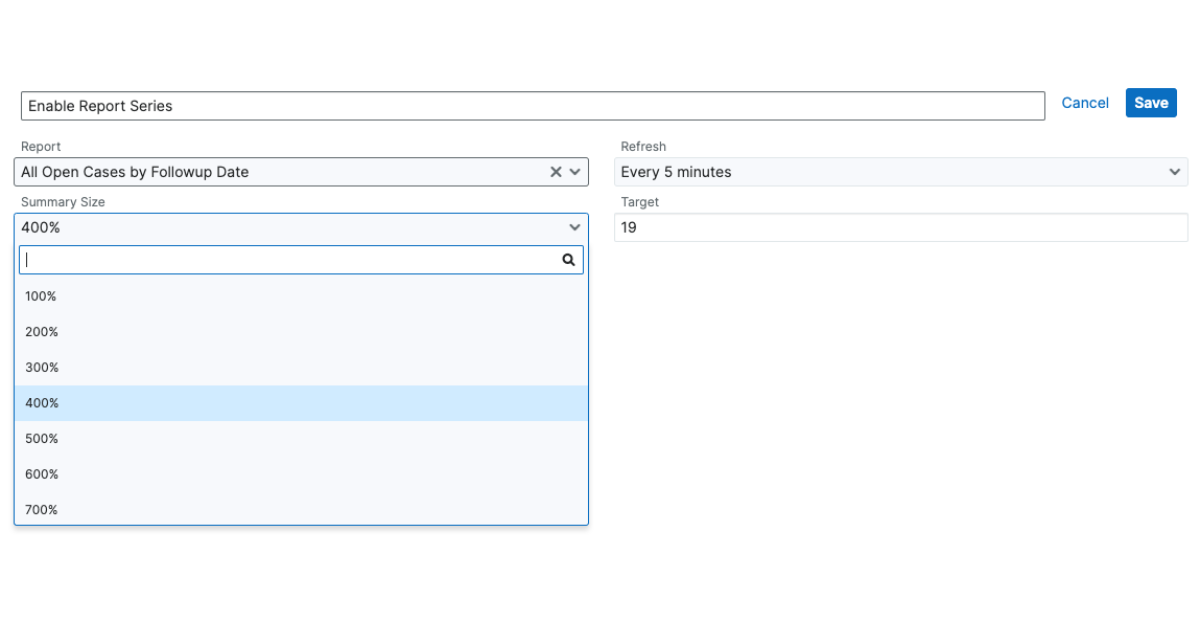
All you have to do is relate your chosen report, set a target for that report, and click save. The dashlet will then be added onto your dashboard for quick, easy view.
- Multiple dashlets linking to separate reports
- Update the target number at any time
- Target progress refreshes every 5 minutes
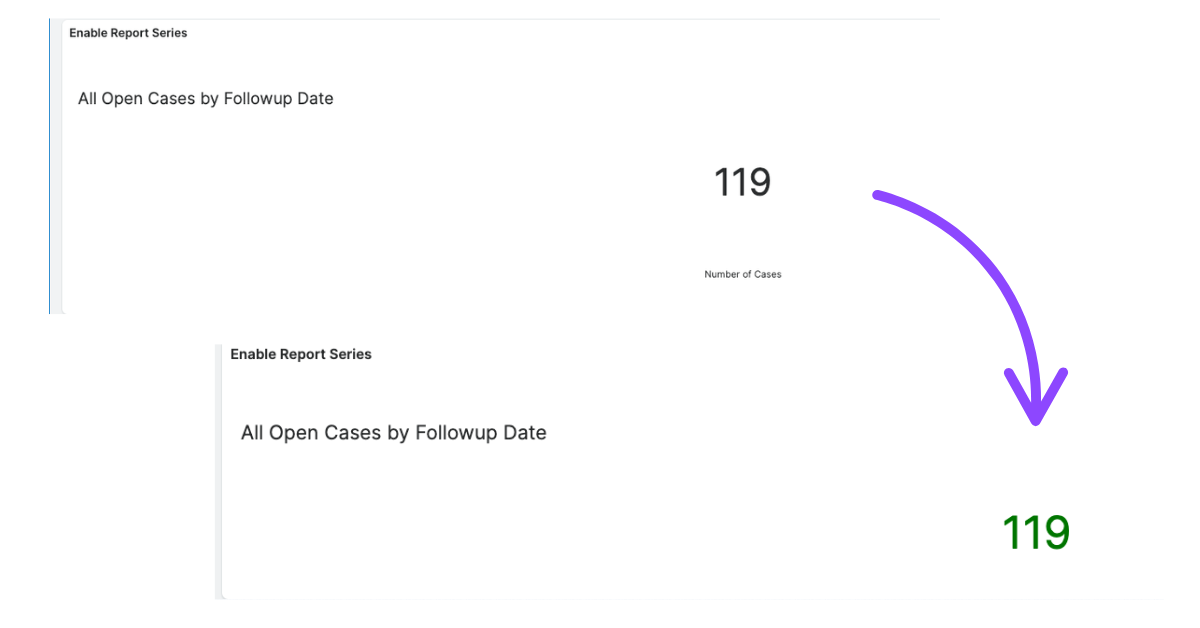
Clear results
Colour-coded text presents your progress towards reaching the set target number. Aim to see all of your Report Metrics Dashlets green, meaning you are on or above all of the targets, whilst black text represents a value under the target.
Contact our team to download for free
More SugarCRM add-ons to enhance your system