Windows Support
Reliable Windows Support Since 1994
Got a quick query? Something not working quite right? We’re always happy to help with any Windows questions.
Our Windows Support Services
System Installations and Upgrades
Update Installs and Troubleshooting
Windows Defender Configuration
Profile and Data Migration
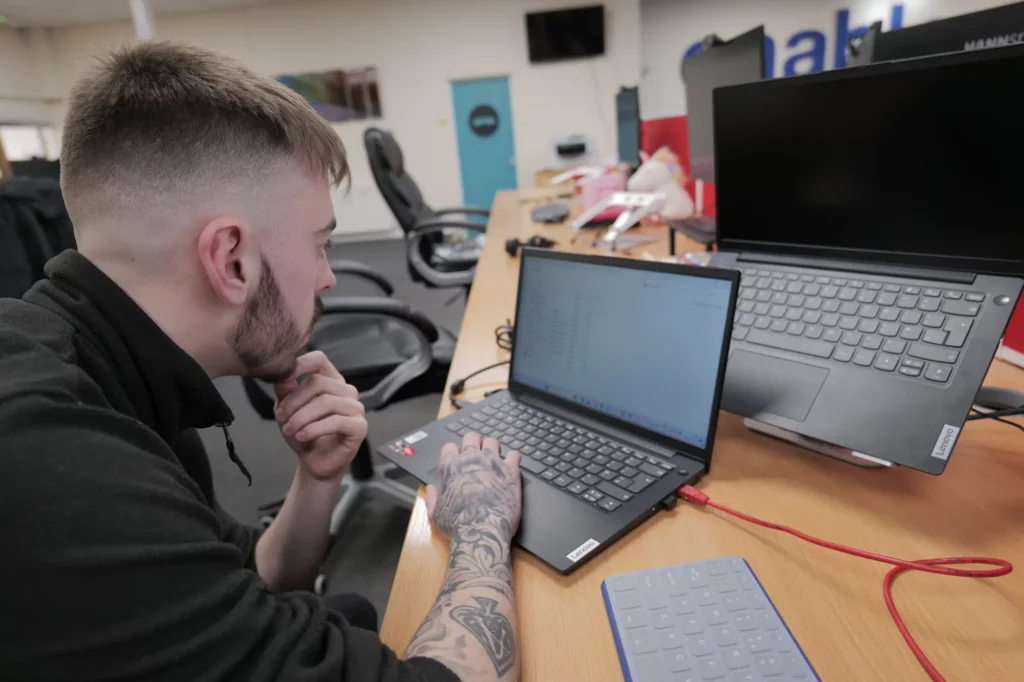
Friendly, Practical Support
Our team delivers clear, straightforward guidance to help you work more efficiently and confidently. From login issues to update errors, no query is ever too small.
- No jargon
- No judgement
- Just practical help that makes sense
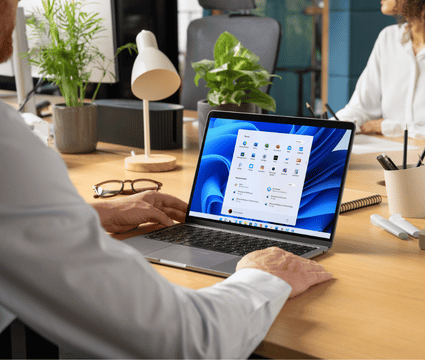
Secure Screen Sharing When You Need It
Sometimes it’s easier to show than tell.
When needed, we can securely screen share onto your device to:
- Understand how tasks are currently being completed
- Identify opportunities to save time
- Suggest smarter, more efficient ways of working
Our goal is not just to fix problems, but to make everyday IT easier and more productive for our customers.
Why choose us?
The enableIT Difference
Our Suffolk-based team is highly experienced in Windows support, providing expert guidance and responsive assistance to keep your business running smoothly.

FAQs
Do you provide help with upgrading from Windows 10 to Windows 11?
Yes, we can help to upgrade you from Windows 10 to Windows 11, ensuring your business has the enhanced security, productivity features, and modern interface that comes with the update.
Learn more about the end of Windows 10 support and how enable can help you transition.
Do you provide onsite Windows support?
Yes, our Windows support engineers are available for onsite fixes when needed if you are in the Suffolk area. Otherwise, the majority of issues can be resolved via remote access.
What are your typical response times for Windows errors?
Priority One Cases: One Business Hour
P1 cases are for the rare business down scenarios where the system is completely down, or multiple core functions are not working as expected.
Priority Two Cases: 24 Business Hours
The P2 classification is for when a key part of functionality is down but the system is generally up and running.
Priority Three Cases: Five Business Days
P3 cases are for general system issues which do not have a high impact on functionality.
Priority Four Cases: Ten Business Days
If you have a general question or query, these are classified as a P4 case.